
Reorder reminders for Shopify: how to bring customers back without a subscription app
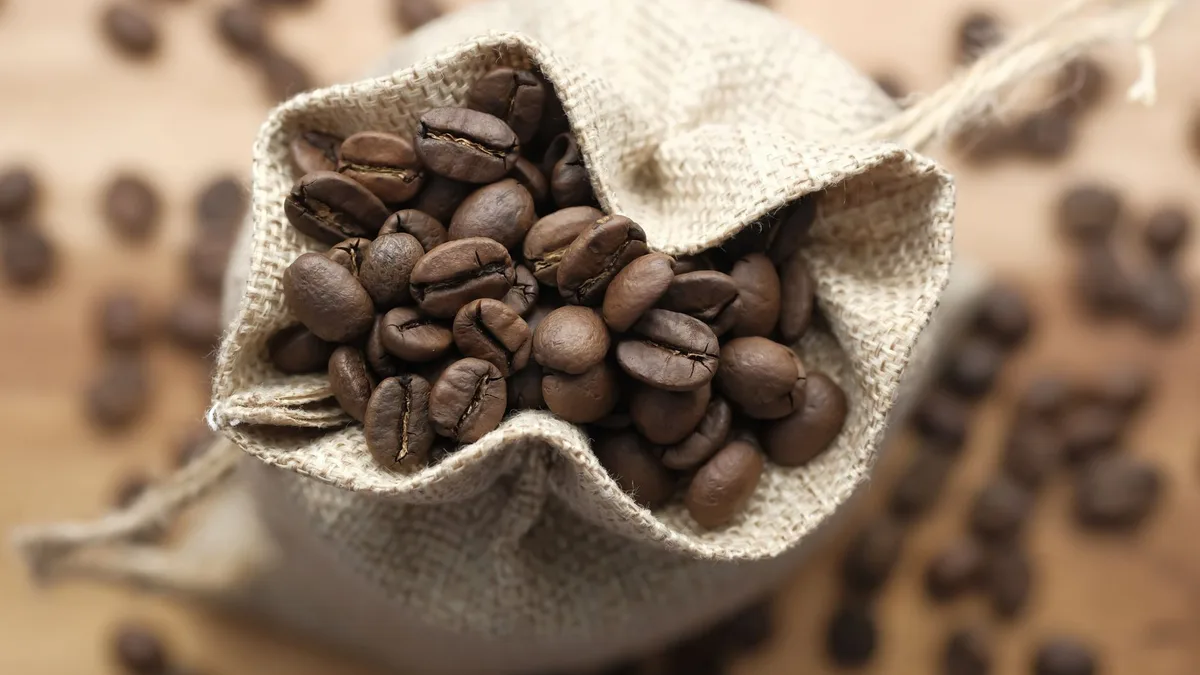
If you sell anything people use up, such as coffee, supplements, pet food, skincare, razors or cleaning products, your best customer is the one who already bought once. The second purchase costs nothing to acquire. Most stores try to get it with a subscription offer, and most customers say no: they do not want to commit before they know they like the product, and they do not want to manage yet another subscription.
A reorder reminder is the middle ground. No commitment. Just an email or push notification a few days before the product runs out, with one link that puts it back in the cart. This post covers how to time it, what to send, and how to set it up.
Timing is everything
A reminder sent too early is spam; one sent too late is a purchase from a competitor. The right moment is a few days before the customer runs out, and that depends on the product:
- A 30-serving protein tub lasts about 30 days for a daily user, 60 for someone who trains three times a week.
- A 250 g bag of coffee lasts 10 days for one person, 25 for a household that also drinks tea.
- Dog food depends on the dog.
Guessing an interval per product is where most merchants stop. The better approach is to measure it from your own orders: for every customer who bought the same product twice, the gap between orders is the real interval for that product. Take the median across customers and you have a number that reflects your actual buyers, not the label.
What to send
Keep it to one message, sent with the customer's marketing consent, and one optional follow-up:
- Subject: "Running low on [product]?" beats "We miss you".
- Body: product image, one line, one button. No catalogue, no three offers.
- The link should add the product straight to the cart, not open the product page. Every extra click loses people.
- Quiet hours. Nothing between 21:00 and 08:00 in the customer's timezone.
- Follow-up: one reminder 7–14 days later if the first did not convert, then stop.
Web push is worth adding for Android and desktop users, because it does not compete with a full inbox. On iOS it works only when the customer has added the store to their Home Screen, so treat it as a bonus channel.
Option 1: Shopify Email or Klaviyo flows
Both can send "time since last order" flows. You set a fixed delay per flow, for example 25 days after purchase. It works for a store with one or two consumable products with similar cycles. For a catalogue with different intervals per product it means a flow per product, and the interval is still a guess.
Option 2: An app that learns the interval
We built Repeatly for this. It reads past orders (read-only), measures the real gaps between repeat purchases of the same product, and uses the median once there are at least three gaps. Products without enough history stay paused unless you set a fallback interval, so you never guess.
- Channels: email and web push. Buyer-facing messages are localised into 22 languages and follow the store's language.
- One-click reorder: the link adds the product straight to the cart.
- Consent-aware: by default only customers who accepted marketing consent at checkout are contacted; unsubscribes are permanent and apply to every product.
- Quiet hours 08:00–21:00 in the store's timezone, built in.
- Smart follow-up 7–21 days later if the first reminder did not convert (Pro).
- Reporting: recovered revenue and conversions per product, so you know which reminders pay.
Free plan: 25 reminders per month. Pro: 9.99 USD per month with a 7-day trial, billed through Shopify. Setup is install and switch on; intervals are computed from the orders you already have. The Repeatly documentation covers fallbacks, channels and consent settings.
Frequently asked questions
Is this a subscription app? No. The customer decides every time. That is the point: a reminder converts people who would never subscribe.
What if a product has no repeat purchases yet? It stays paused. You can set a fallback interval per product (for example, 30 days) if you know the usage cycle.
Does it need read_all_orders? No. Repeatly reads orders with the standard read_orders scope and computes intervals from what Shopify provides.
Can I see the revenue it brings back? Yes. Recovered revenue, conversions and upcoming sends are on the dashboard, with a weekly summary email.
Repeatly is built by MB „Liūto media" in Lithuania. All our Shopify apps are listed at liutoapps.com.
 How to Choose a Marketing Agency for Your Shopify Store (Before You Sign Anything)
 How to get customers to make TikTok videos of your products (and use them legally)
 How to calculate the reorder interval for consumable products (with real examples)