
How to get customers to make TikTok videos of your products (and use them legally)
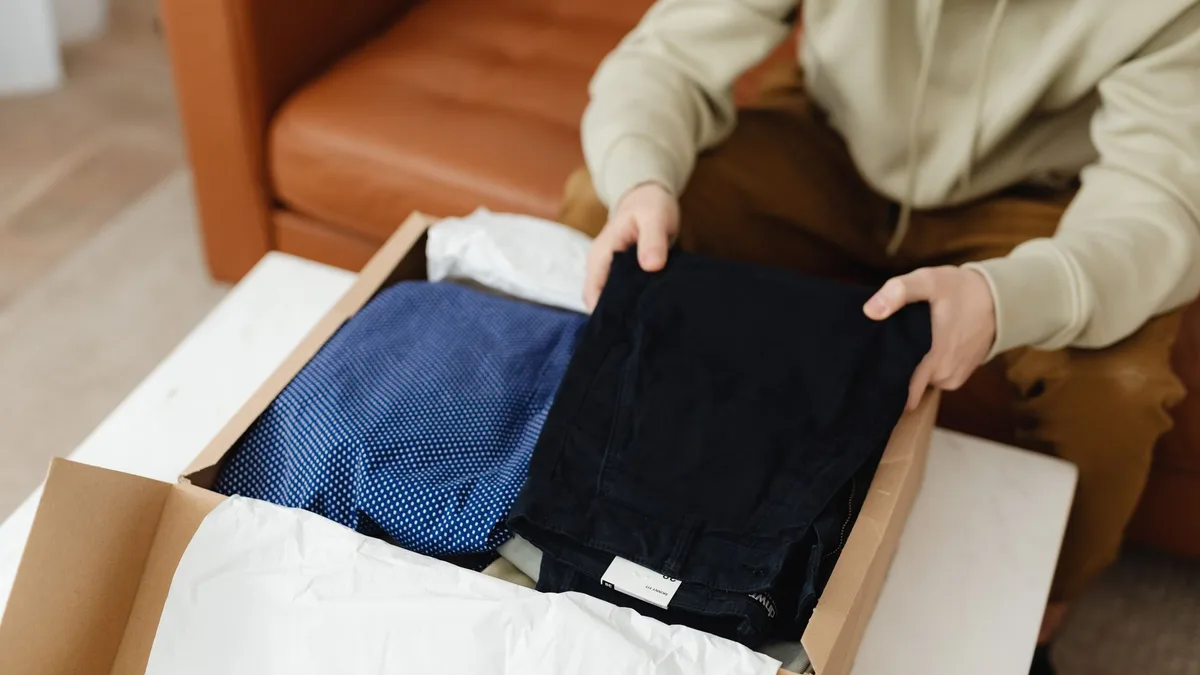
Every store owner has seen a customer's TikTok about their product get more views than anything the brand ever posted. The clip is honest, a little messy, and it sells. The question is how to get more of them, on purpose, and then put them where the purchase happens: the product page.
This is the process we see working for small and mid-size stores, in five steps.
1. Ask at the moment of joy
The best time to ask for a video is when the parcel arrives, not at checkout. Three places:
- The package insert. A small card: "Film your unboxing, tag @yourbrand, we feature the best ones on the product page." Include the product hashtag.
- The delivery email, sent by your carrier integration or a day after the "delivered" status. Same message, one link to your TikTok.
- The follow-up email a week later, when they have used the product.
Say "we feature the best ones on the store". For a small creator, being on a brand's product page is worth more than a coupon.
2. Make the incentive fair, not pay-per-post
Paying per video attracts the wrong videos. What works:
- A fixed reward for videos you actually feature: a store credit or a free next order.
- A monthly pick: the best video wins a larger prize, everyone featured gets the small one.
- Creator credit on the store: their handle on the thumbnail, linked.
Keep the offer public and the same for everyone. Undisclosed paid content is a problem for you and the creator under advertising rules in the EU and the UK.
3. Get permission in writing, every time
A public TikTok is not a licence for you to embed it on a commercial page. Before featuring a clip:
- Message the creator: "We'd love to feature your video on our product page with credit to @handle. Reply YES if that's OK."
- Keep the reply. A screenshot in a folder named by handle and date is enough.
- Say what you will do: embed on the store, link their profile, remove on request.
Most creators say yes within a day. The ones who do not, skip. Never re-upload someone's video as your own; embed it from the platform so the creator keeps ownership, views and the ability to delete it.
4. Find the videos you did not know existed
Weekly, search TikTok and Instagram for your brand name, your product names and your product hashtag. Look at who tagged you. Most stores find two to five usable clips a month they never asked for. Message those creators the same way.
5. Put the clips where they sell
A video in your TikTok feed sells to people already following you. The same video on the product page sells to the person deciding right now. Two rules for the product page:
- Do not paste the platform's embed code. A TikTok embed loads about 1 MB of scripts before the shopper scrolls to it, carries the platform's navigation, and offers no way to buy.
- Load on tap, buy in place. Thumbnails first, player only when tapped, an Add to cart button inside the player.
Virally does exactly that: paste the TikTok, Reels or Shorts link, tag the product, and the clip appears in a video wall on the product page with the creator's handle on the thumbnail. Videos play from the platform's CDN only when tapped, so page speed does not change. Inside the player there is an Add to cart button and, after adding, a small "goes well with" row. With order attribution on, each video shows "🔥 12 bought from this video", computed from real orders, and the dashboard tells you which creators' clips actually sell, which is useful for step 2.
Free for 3 videos and 2,000 views a month; Starter is 12.99 USD per month for 20 videos. The Virally documentation covers tagging, the wall layout and attribution.
Frequently asked questions
What if a creator asks to be removed? Remove the video the same day. With embeds this is one click; the creator can also delete the original and it disappears everywhere.
Do I need a written contract? For a featured embed with credit, a clear message and a "yes" is enough in practice. For paid campaigns or re-use in ads, use a short written licence.
How many videos per product? Three to six. More than that becomes a feed nobody scrolls. Rotate: replace the weakest clip each month with a new one.
Virally is built by MB „Liūto media" in Lithuania. All our Shopify apps are listed at liutoapps.com.
 How to Choose a Marketing Agency for Your Shopify Store (Before You Sign Anything)
 How to calculate the reorder interval for consumable products (with real examples)
 Why your Shopify emails say "via shopifyemail.com" and how to fix sender alignment