
How to calculate the reorder interval for consumable products (with real examples)
A reorder reminder works only if it lands a few days before the product runs out. Send it two weeks early and it is ignored; two weeks late and the customer already bought elsewhere. So the whole thing depends on one number per product: the reorder interval. This post shows how to get that number from data you already have, and why the label on the product is usually wrong.
Why the label is wrong
A 30-serving tub of protein "lasts 30 days". In practice: daily users finish it in 30, three-times-a-week users in 70, and people who bought two tubs on promotion in 60. A 250 g bag of coffee lasts 10 days for one person and 25 for a household that also drinks tea. Dog food depends on the dog.
The label gives you the manufacturer's assumption. Your orders give you your customers' reality.
The method
For each product:
- Take every customer who bought it at least twice.
- For each of those customers, compute the gap in days between consecutive orders containing the product.
- Collect all the gaps. Take the median, not the mean; one customer who reordered after a year would drag a mean up.
- Require at least three gaps before trusting the number. Fewer than that and you are guessing again.
- Send the reminder 3–5 days before the median, so it arrives while the last portion is still in the cupboard.
Three real examples (anonymised)
Coffee, 250 g bag. 412 customers with repeat orders, 1,870 gaps. Median 18 days, mean 27 (pulled up by gift buyers). The label suggested "about two weeks". Reminder at day 14. Conversion on the first reminder: 11 %.
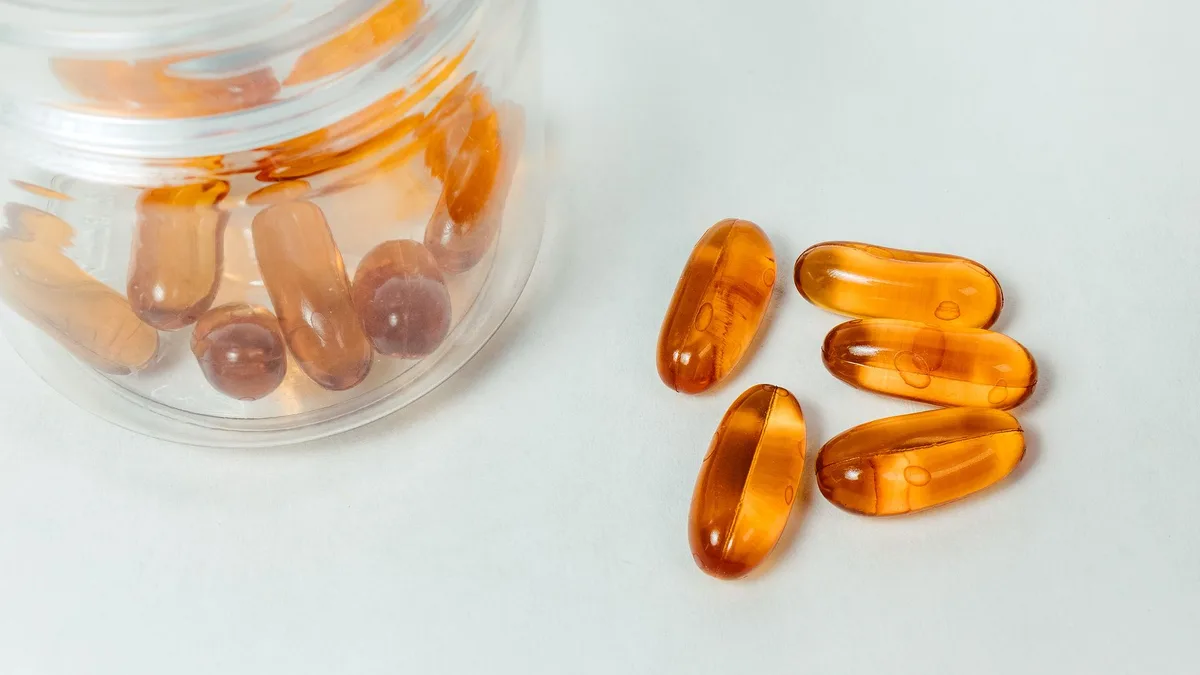
Vitamin D, 90 capsules. 96 customers, 240 gaps. Median 81 days. The label says 90 days; people miss doses in the first weeks, then run out early. Reminder at day 76. Conversion 9 %.
Dry dog food, 12 kg. 58 customers, 150 gaps. Median 34 days with a wide spread (19 to 60) because dog sizes differ. Here the store split the reminder by variant: the "small breed" variant had a median of 48 days, "large breed" 26. After the split, conversion went from 5 % to 12 %.
The pattern: the real interval is usually shorter than the label, and a single number per product hides variants with different usage.
When there is no history yet
New products and stores with few repeat orders have no gaps to measure. Options:
- Set a fallback interval per product from the label and an honest discount (label × 0.8 is a reasonable start).
- Keep the reminder paused until three gaps exist, rather than sending at a guess.
- Ask in the post-purchase email how long the product usually lasts; even twenty answers beat the label.
Doing this automatically
You can do the calculation in a spreadsheet from a Shopify orders export once. Keeping it current, per product, per variant, is what an app is for. Repeatly reads past orders (read-only), computes the median gap per product once there are at least three, clamps it to 5–365 days, and sends the reminder a configurable number of days before the customer is due to run out. Products without enough history stay paused unless you set a fallback. Reminders go by email and web push, in 22 languages, only to customers with marketing consent, and only between 08:00 and 21:00 in the store's timezone. The dashboard shows recovered revenue per product, so you can see which intervals are earning.
Free for 25 reminders a month; Pro is 9.99 USD per month with a 7-day trial. Details in the Repeatly documentation.
Frequently asked questions
What if a customer buys two units at once? Multiply the interval by quantity for that customer. Repeatly does this automatically; in a spreadsheet, divide the gap by the quantity of the earlier order.
Should the reminder include a discount? Not by default. The customer needs the product anyway; a discount trains them to wait for one. Use a discount only in the follow-up if the first reminder did not convert.
How many reminders per customer? One, then one optional follow-up 7–14 days later, then stop until the next purchase. More than that is spam and gets your domain flagged.
Repeatly is built by MB „Liūto media" in Lithuania. All our Shopify apps are listed at liutoapps.com.
 How to Choose a Marketing Agency for Your Shopify Store (Before You Sign Anything)
 How to get customers to make TikTok videos of your products (and use them legally)
 Why your Shopify emails say "via shopifyemail.com" and how to fix sender alignment